


Some people in our community have told us they feel uneasy about AI moving into everyday objects. That reaction is reasonable — and recent surveys show it is widespread.
A 2026 Pew Research Center study found that 52% of U.S. adults are more concerned than excited about AI in daily life, while 9% are more excited than concerned and 37% feel both ways at once. Concern and curiosity can sit side by side.
A separate 2025 Pew survey found that about six in ten Americans wanted more control over how AI is used in their lives, while nearly three-quarters were open to at least some AI assistance with daily tasks.

So, do you actually need AI in a digital photo frame? Our answer is no. A photo display stands on its own. VINABOT’s AI features are optional; the frame has no camera and is not a smart-home controller or autonomous agent. For people who choose to use them, those features can add creativity, light interaction, and useful assistance without replacing real relationships.
The point is not to put AI everywhere. It is to let people decide when a little more creativity or interaction actually adds something.
A photo frame’s first job is to show photos
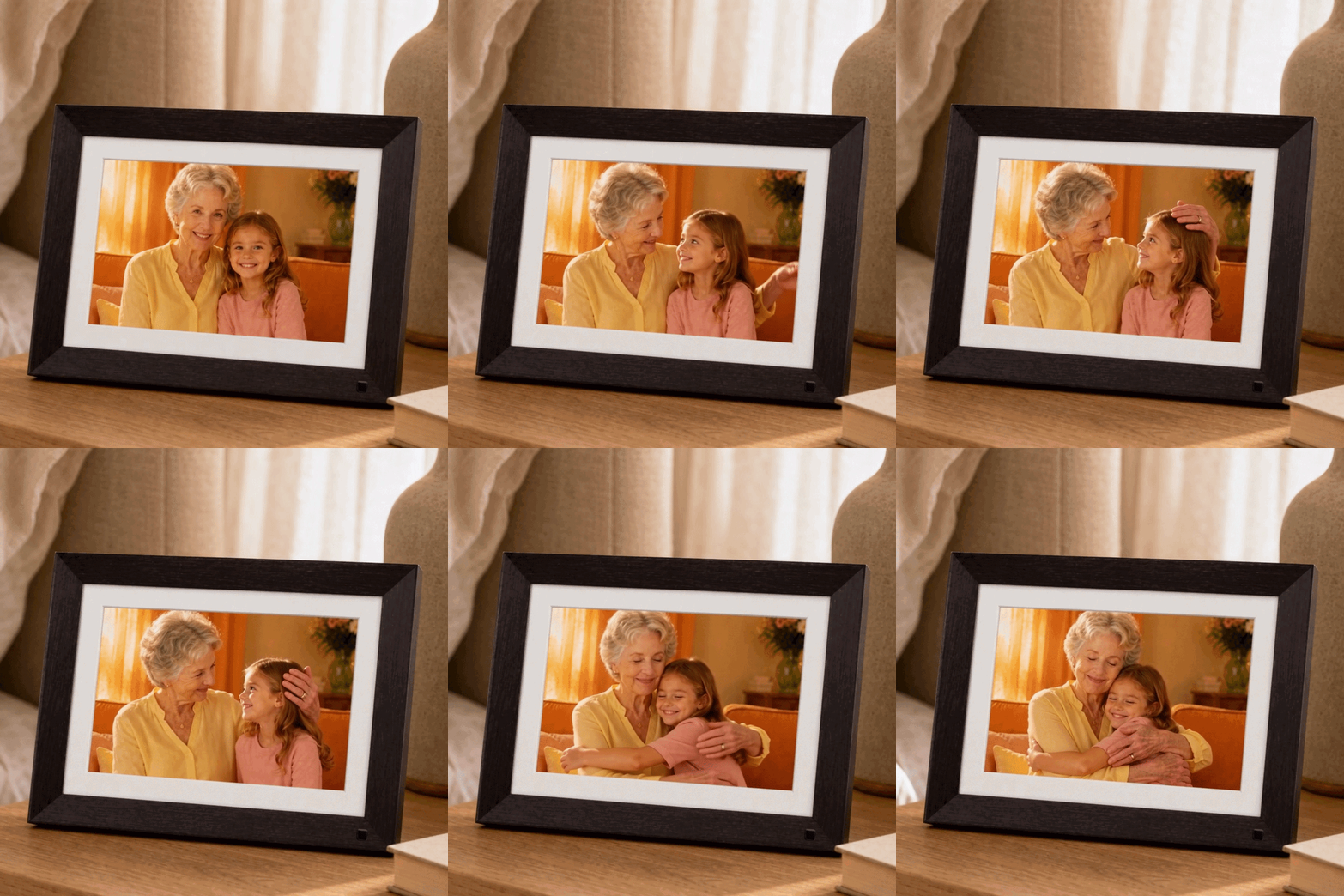
An AI digital photo frame should still work well as a photo frame when its generative features go unused. Displaying photographs, short videos, and slideshows can already be more than enough.
The 21.5-inch VINABOT , also available in a 10.1-inch size, supports those familiar uses. Media saved to its built-in 32GB local storage can continue playing when Wi-Fi is unavailable. Wi-Fi is used for initial setup, app syncing, remote functions, and AI features.
That distinction matters. If someone buys a digital photo frame for family pictures or a rotating gallery, AI never has to become the main event. The display can stay photo-first, with interactive features available only when they add something the owner actually wants.
Boundaries that make the choice easier
No camera — and AI you can simply choose not to use
VINABOT has no camera and is not designed as a smart-home monitoring hub. It does not use a camera to watch the room. Its focus remains photos, videos, created content, and optional voice interaction.
Still, “no camera” should not be confused with “no data processing.” Some AI and voice features may require online processing, so it is worth reviewing the VINABOT Privacy Policy before sharing sensitive information.
A February 2026 Pew survey of 5,119 U.S. adults found that 71% expected increased AI use to make personal information less secure. That is a broad view of AI rather than a finding about VINABOT specifically, but it helps explain why privacy details matter.
AI is optional, not the whole experience
VINABOT’s AI features are separate experiences rather than a required sequence. You can use the frame for photos and videos without ever creating an AI Companion or generating AI content.
You can leave the AI features unused, try one when it sounds interesting, or simply return to a photo and video slideshow. That choice remains with the owner.
Not a home controller, not a stand-in for people
VINABOT is not a control panel for lights, locks, thermostats, or other connected devices. AI Companion should not be understood as an autonomous agent that quietly manages a household, makes commitments, or takes actions without someone initiating the interaction.
It is better understood as an on-screen character designed for voice-led interaction.
A talking screen is not a relationship
AI characters can give artwork a voice or make a seasonal greeting more playful. But they are generated interactions, not friends or relatives.
In the same 2025 Pew research , 50% of U.S. adults said increased AI use would make people worse at forming meaningful relationships, while only 5% thought it would make people better at it.
Those figures describe public expectations about AI broadly, not the effect of any individual product. But they underline an important principle: a frame should support real connection rather than claim to replace it. A talking portrait can prompt someone to share a story, laugh at an imaginative answer, or ask a question together. The people in the room remain the important part of that moment.

What AI can add when you choose it
This is the fun part — and it is entirely up to you. With AI Creation, a prompt or an existing picture can become something new to display. That might be an imagined landscape, a seasonal scene, or a playful transformation of a favorite image.
- AI-generated home art. Create landscapes, abstract visuals, or seasonal scenes that change with the mood of the room.
- Animated pet photos. Turn a favorite photo of your dog or cat into a short, playful AI-created clip.
- Talking artwork. AI Companion can bring selected portrait-based content to life with voice and real-time conversation — for example, a Mona Lisa-inspired character discussing the stories around the painting. Its responses are generated interpretations, not historical quotations.
- Seasonal characters. A Santa character can add an interactive moment at Christmas, while a trivia or tutor-style character can turn an ordinary afternoon into something more playful.
- Light voice help. The free AI Voice Assistant can respond to general questions and simple voice requests when you choose to use it.
A shop, café, museum, or home could also use an AI Companion for a simple welcome, guided information, or a fun trivia exchange. These are optional, light uses rather than promises of autonomous service. They are there when you want them and out of the way when you do not.

Useful help can be deliberately modest
Sometimes the smallest AI touch is the most useful one. Ask a general question or request a short explanation. Treat the response as a starting point rather than a guaranteed source of facts, and verify sensitive information elsewhere when needed.
A simple test: does this feature help on your terms?
Before using AI in any home device, ask three things: what does the feature do, what does it need access to, and can I simply choose not to use it?
Then ask whether the non-AI functions already meet your needs. If a rotating set of photographs is enough, there is no reason to use a character or generator. If a creative image, interactive character, or occasional answer would make the frame more enjoyable, try that feature and decide whether it earns its place.
The best case for AI in a digital photo frame is not that every frame must become intelligent. It is that the owner can keep a simple frame simple — and choose a little more creativity or interaction exactly when it adds value.
AI does not need to run your life to earn a place in it. Sometimes it can simply make a picture move, give a character a voice, or add a little more fun when you choose.
Frequently Asked Questions
Does VINABOT have a camera?
No. VINABOT has no camera and is not designed as a smart-home monitoring hub. Its focus is photos, videos, created content, and optional voice interaction.
Is AI mandatory, or can I use VINABOT as a regular photo frame?
AI is optional. You can use VINABOT for photos and videos without creating a character or generating AI content. AI functions require an internet connection, while media saved to the built-in 32GB storage can continue playing offline.
What can AI Creation and AI Companion actually do?
AI Creation can generate or transform photos and videos from prompts or reference images. AI Companion turns selected portrait-based content into a character with voice and real-time conversational interaction.
Is my data private?
VINABOT has no camera. Some AI and voice features may require online processing, so review the VINABOT Privacy Policy before sharing sensitive information through AI features.
The takeaway
Maybe the most useful thing an AI frame can do is respect your “no.”
Leave the AI features unused and VINABOT remains a digital photo frame for your photos and videos. Choose one when you want a little extra creativity, interaction, or assistance — on your schedule and under your control. That is the whole case for choice.


发表评论
所有评论在发布前都会经过审核。
此站点受 hCaptcha 保护,并且 hCaptcha 隐私政策和服务条款适用。