


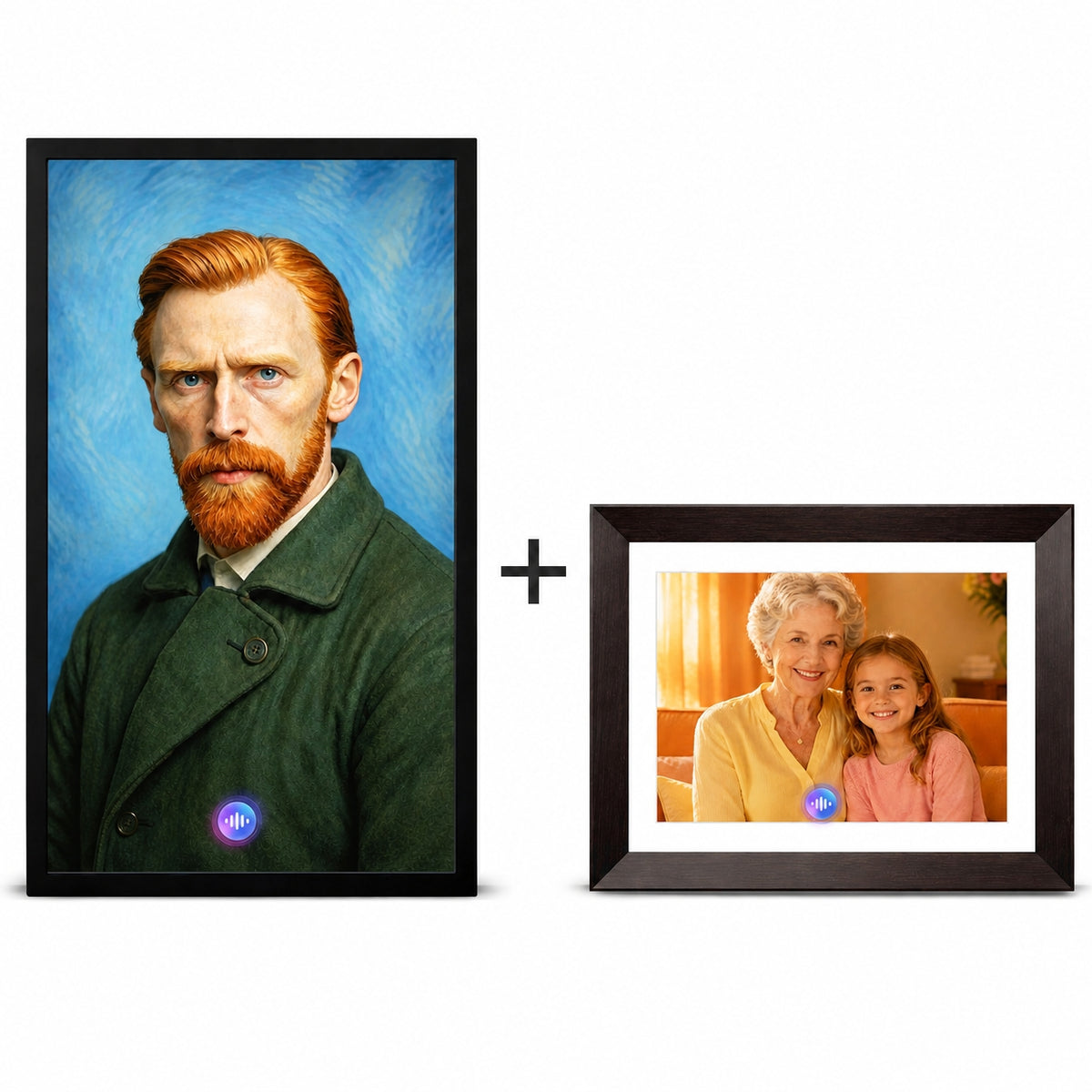
Before You Start
Vinabot needs a working WiFi connection to do most things — from receiving photos to chatting with AI characters. When the connection drops, you'll see a ⚪ gray dot instead of 🟢 green in the app.
The good news: most connection problems are quick to fix. Try the steps below — if they don't help, we're here for you at the end of this guide.
One important thing about how Vinabot connects: your phone and your frame do not need to be on the same WiFi. Your phone can be on mobile data, and the frame can be on home WiFi — they talk through the cloud. No complicated setup required.
Quick Fix: First Things to Try
These simple steps solve most connection issues. Try them in order.
1. Is the frame getting power?
Vinabot has no battery — it must be plugged in at all times.
- Make sure the power adapter is plugged into a working wall outlet.
- Check the DC cable is firmly connected to the back of the frame.
- The screen should be on — if blank, it's not receiving power.
Important: Always use the original power adapter that came with your device. Third-party adapters may cause problems and can void your warranty.
2. Is your WiFi working?
Grab your phone and test:
- Connect your phone to the same WiFi network.
- Open any website — if it loads, your WiFi is working.
If your phone also can't get online, your WiFi or internet is down. Try restarting your router (unplug, wait 30 seconds, plug back in). If that doesn't work, contact your internet provider.
3. Did you enter the right password?
- On your frame's screen, go to WiFi settings and select your network name.
- Tap "Display Password" to show the password as you type — this avoids typos.
-
WiFi passwords are case-sensitive:
Passwordis not the same aspassword.
4. Restart both devices
This is the classic fix that works surprisingly often:
- Unplug your frame from power, wait 10 seconds, plug it back in.
- Unplug your router, wait 30 seconds, plug it back in.
- Wait 1–2 minutes for everything to restart, then try connecting again.
Still Not Connecting?
If the quick fixes above didn't work, the issue is likely something about your WiFi setup. Before we dive deeper, here's what to know:
If any of these steps feel too technical, don't worry — just skip to Contact support@vinabot.ai. We'll help you directly.
Try moving closer to the router
Vinabot frames are often wall-mounted or placed on a desk. If the frame is far from your router — especially with walls in between — the signal may be too weak.
Simple test: Stand next to your frame with your phone connected to WiFi. If your phone only shows 1–2 bars, the location has poor coverage. Try moving the frame closer to the router and test again.
WiFi name or password changed recently?
If you recently changed your WiFi password or got a new router:
- On the frame's screen, go to WiFi settings.
- Find your old network and tap Forget.
- Select your current WiFi network and enter the new password.
Is your frame far from the router?
If the frame is on a different floor, at the end of a hallway, or behind multiple walls:
-
Try the 2.4G band if your router lists two networks
(like
MyWiFiandMyWiFi_5G). The 2.4G network has better range and goes through walls more easily. - If you only see one network name, your router may have combined both. That's usually fine, but if the connection drops often, separating them in your router settings may help, or contact support@vinabot.ai for guidance.
Frame Goes Offline Frequently
If your frame keeps losing its connection throughout the day:
- Move it closer to the router — this fixes most cases.
- Switch to the 2.4G band (the one without "5G" in the name) — it's more stable through walls.
- Restart your router — sometimes a fresh start clears up intermittent issues.
- Check the power cord — make sure the adapter is firmly plugged in and not loose.
If these don't help, there may be something in your router settings or environment causing the issue. We're happy to look into it — contact support@vinabot.ai.
Frame Shows Online But Can't Distribute Content
Your app shows 🟢 green dot, but content won't send to the frame? Try these:
| Step | What to Do |
|---|---|
| Refresh the app | Close the app completely and reopen it. |
| Wait a moment | Sometimes the status takes a minute to sync. Give it 1–2 minutes. |
| Restart the frame | Unplug, wait 10 seconds, plug back in. |
| Try a small photo | Send a single photo to test. If the file is very large (long video), it may take longer. |
Common Questions
Do my phone and frame need to be on the same WiFi?
No. They just each need their own internet connection. Your phone can use mobile data while your frame uses home WiFi. Everything syncs through the cloud.
Can I still see photos when the frame is offline?
Yes. Photos and videos already downloaded to the frame will continue playing. But AI conversations, sending new content, and remote sharing won't work until the frame reconnects.
Do I need to enter the WiFi password every time?
No. The frame remembers your network and reconnects automatically.
Can I use a wired internet connection?
No. Vinabot only connects via WiFi — there is no Ethernet port.
Will my content be lost if the frame is offline for a while?
No. Everything you've already sent to the frame stays on it. Once it reconnects, everything works normally again.
Can I use Vinabot with hotel or office WiFi?
Hotel and office WiFi sometimes requires you to open a web browser and sign in on a login page. Since Vinabot doesn't have a browser, it can't complete this step. The easiest workaround is to use your phone as a personal hotspot instead.
If you're giving Vinabot as a gift to someone in a facility with special WiFi (like a care home), consider also providing a simple WiFi hotspot device so they can get online without any setup hassle.
Need Help? Contact Us
If the steps above didn't solve your issue, we're here to help. Please have these ready so we can help faster:
- Your order number
- Device model (AF1 21.5" or AF1 Mini 10.1")
- What you've already tried (so we don't repeat steps)
| Channel | Details |
|---|---|
| In-App | Me → Support |
| support@vinabot.ai |