

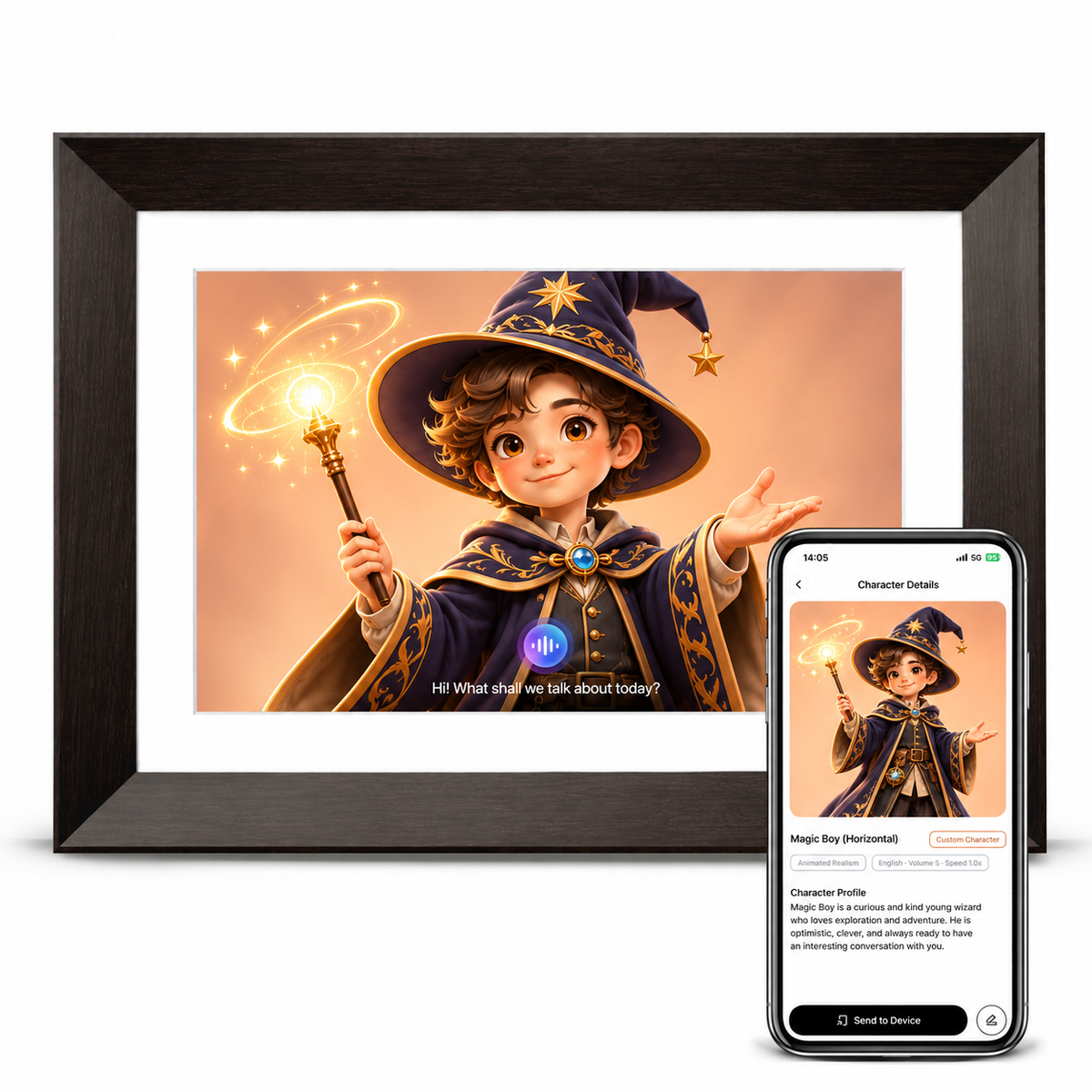

Every digital frame I’ve owned eventually turned into a dusty slideshow nobody looks at. The Vinabot AI Talking Frame is built around a different idea: it’s as much a creation tool as a display.
You can make new videos, images, and artwork in the Vinabot App and send them to the frame, instead of only showing photos you already have.
Most digital frames loop a slideshow. Vinabot takes another path. It can turn a photo into an animated, expressive digital person, create talking videos from a photo and text, and display AI-generated content alongside your own photos and videos on an anti-glare IPS screen. The frame is available in 21.5-inch and 10.1-inch sizes, with 32GB of local storage for media playback.
Vinabot is not only a place to display memories. With AI Creation, it can also become a place to reimagine and create them.
1. Bring your parents’ old photos back to life in color
One of the most meaningful uses of AI Creation is revisiting an old black-and-white photo. Picture a portrait of your parents in their twenties, faded and worn after sitting in a box for decades.
Photograph or scan it, add it through the Vinabot App, and use AI Creation to explore a restored, colorized, moving version.
The result can become a short video where an old smile, glance, or expression feels more vivid again — this time in color. Send it to the frame and it becomes something the family can experience together instead of leaving the original hidden away.
Tip: start with the sharpest, most front-facing photo you have. Clearly visible faces generally work better for motion and facial detail.
2. Animate still family photos
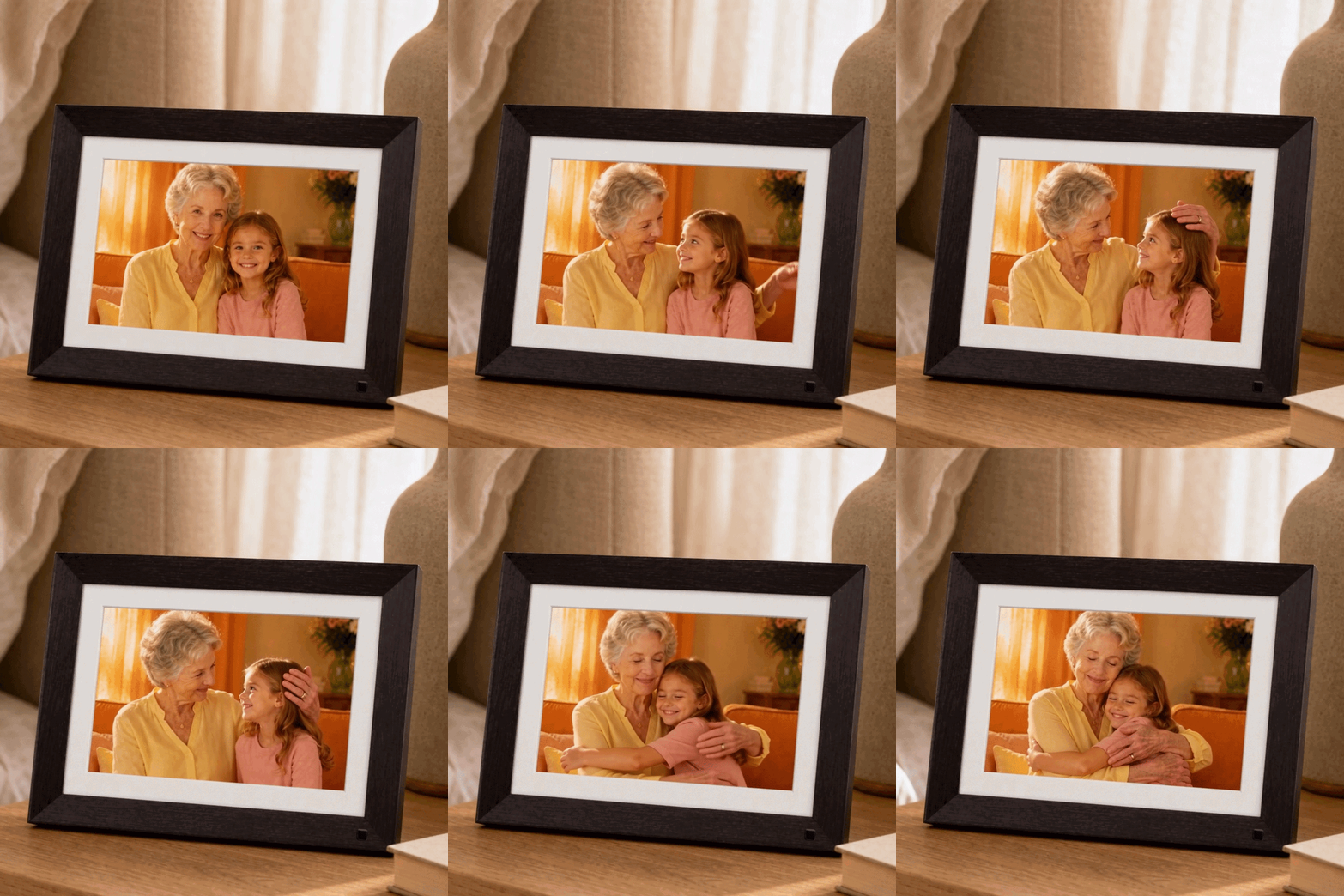
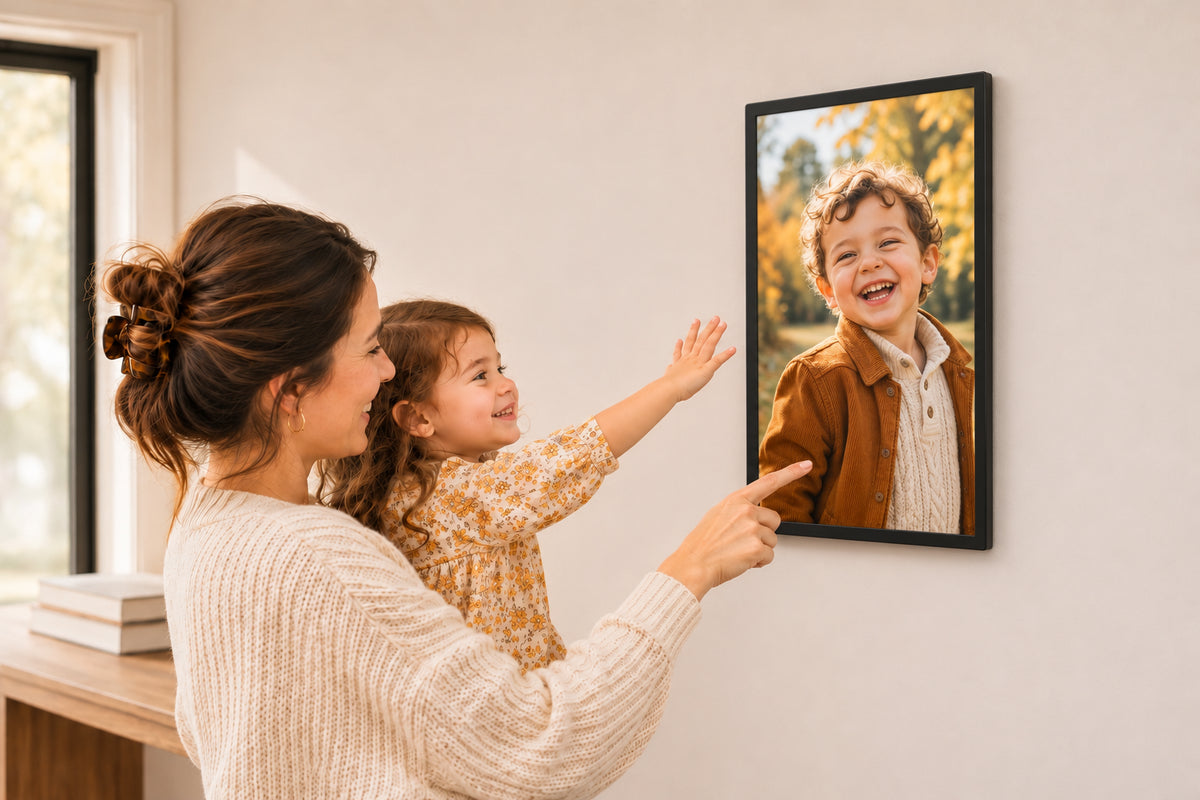
Not every photo needs restoring to deserve motion. With AI photo animation, a still family portrait, wedding picture, or first-day-of-school photo can blink, smile, or move slightly, turning a snapshot into something more expressive.
Vinabot can also create talking videos by combining a photo with text. A portrait can deliver a personalized New Year message, birthday greeting, or another short message directly on the frame.
If you want the character to speak in a familiar voice, Voice Clone can be used with a voice you own or are authorized to use.
3. Create images and short videos from a prompt
You don’t need an existing photo to start. Describe a scene in a sentence — for example, “a cozy cabin beside a snowy lake at dusk, with warm lights in the windows” — and AI Creation can generate an image or short video from that idea.
In the Vinabot App, you can describe what you want, generate the content, and then send the finished image or video to the frame.
That opens up plenty of everyday possibilities: a calm sunrise scene for the living room, a birthday message for a friend, a short visual story for kids, or simply a new piece of content that fits the mood of the room.

4. Generate artwork for your home decor
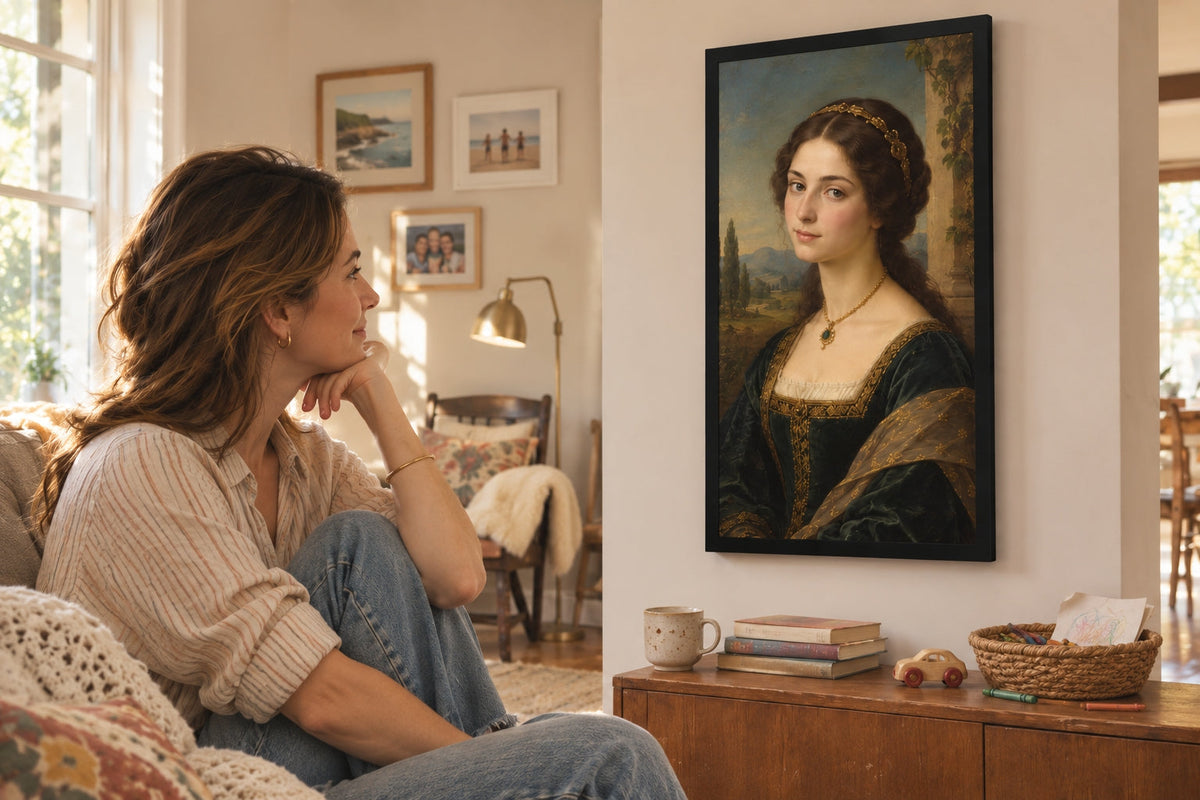
A digital frame on the wall can also become a changing art piece.
Ask AI Creation for a watercolor mountain landscape, an abstract artwork that matches the colors of your sofa, or a minimalist illustration designed for a quiet corner of the room.
Instead of buying a new print whenever your style or season changes, you can generate something new and display it full screen on the 21.5-inch Vinabot .

5. Turn travel, pet, and family photos into creative styles
Your camera roll can become raw material for new visual ideas.
A beach sunset from your last trip can become an oil painting. Your dog’s favorite portrait can become a storybook illustration. A family photo can become a vintage poster or a soft pencil sketch.
The point is not to replace the original photo, but to give a familiar memory another visual life. Rotate the creative versions through the frame and the same moment can feel different each time you see it.

6. Make seasonal content for Christmas, Halloween, and birthdays
Holidays are where creating specifically for the frame becomes especially useful.
For Christmas, a family can create a snowy winter scene, a personalized greeting, or a short festive video. For Halloween, the same tools can create playful spooky scenes. For birthdays, combine a photo with a short message and let the frame become part of the celebration.
AI-created photos and videos can sit alongside your everyday uploaded media. With Mixed Play, uploaded photos and videos can also be combined with AI-created photos and videos in one continuous display, then swapped out when the season ends.
Create with consent
Animating faces and voices is personal. Voice Clone should only be created from your own voice or from a voice you have explicit permission to use.
The same principle applies to photos and likenesses: use content you own or have permission to use. That keeps AI Creation personal without making it uncomfortable.
Not just a frame: a place to create
The Vinabot AI Talking Frame does more than show photos.
With AI Creation, it can help restore, reimagine, and animate photos, create new images and videos from prompts, and turn everyday pictures into artwork, holiday greetings, and messages designed for the frame itself.
If you have a box of old family photos or a phone full of unfinished memories, that is a good place to start.
Frequently Asked Questions
What is the Vinabot AI Talking Frame?
Vinabot is a digital photo frame available in 21.5-inch and 10.1-inch sizes. In addition to displaying photos and videos, users can use AI Creation in the Vinabot App to generate or transform photos and videos, then display the results on the frame.
How much storage does Vinabot have?
Vinabot includes 32GB of local storage for saved media playback.
Can Vinabot restore old photos?
AI Creation can explore photo restoration, colorization, and animation. Results should be treated as creative reimaginings rather than pixel-perfect archival repairs.
How do I get AI-created content onto the frame?
Create the image or video in the Vinabot App, then send it to the frame. Existing photos and videos can also be shared remotely through the app.

发表评论
所有评论在发布前都会经过审核。
此站点受 hCaptcha 保护,并且 hCaptcha 隐私政策和服务条款适用。