


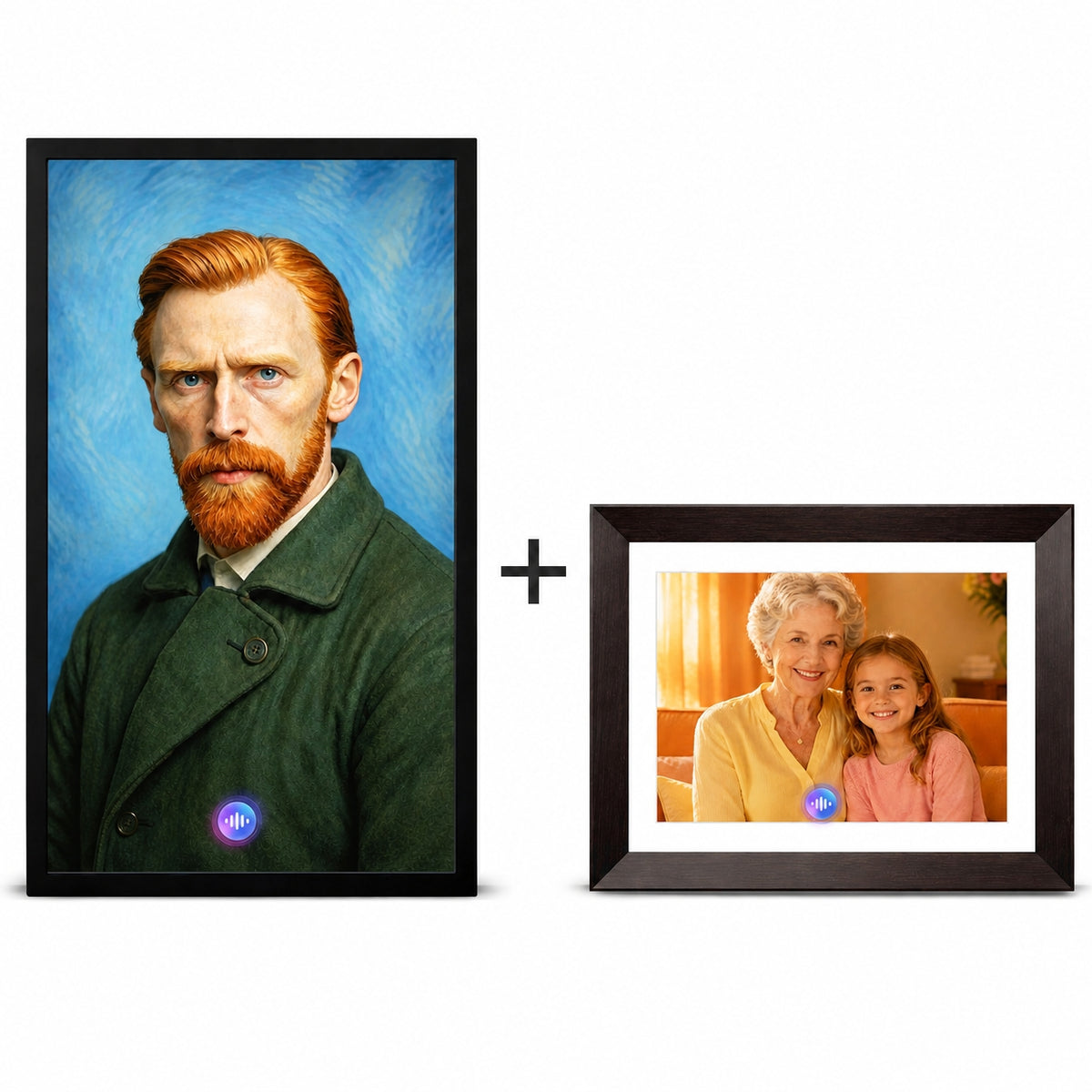
Country




The AI Digital Photo Frame That Talks Back
Discover how the Vinabot AI Talking Frame goes beyond a conventional digital photo frame with AI Creation, talking companions, voice clone and interaction.
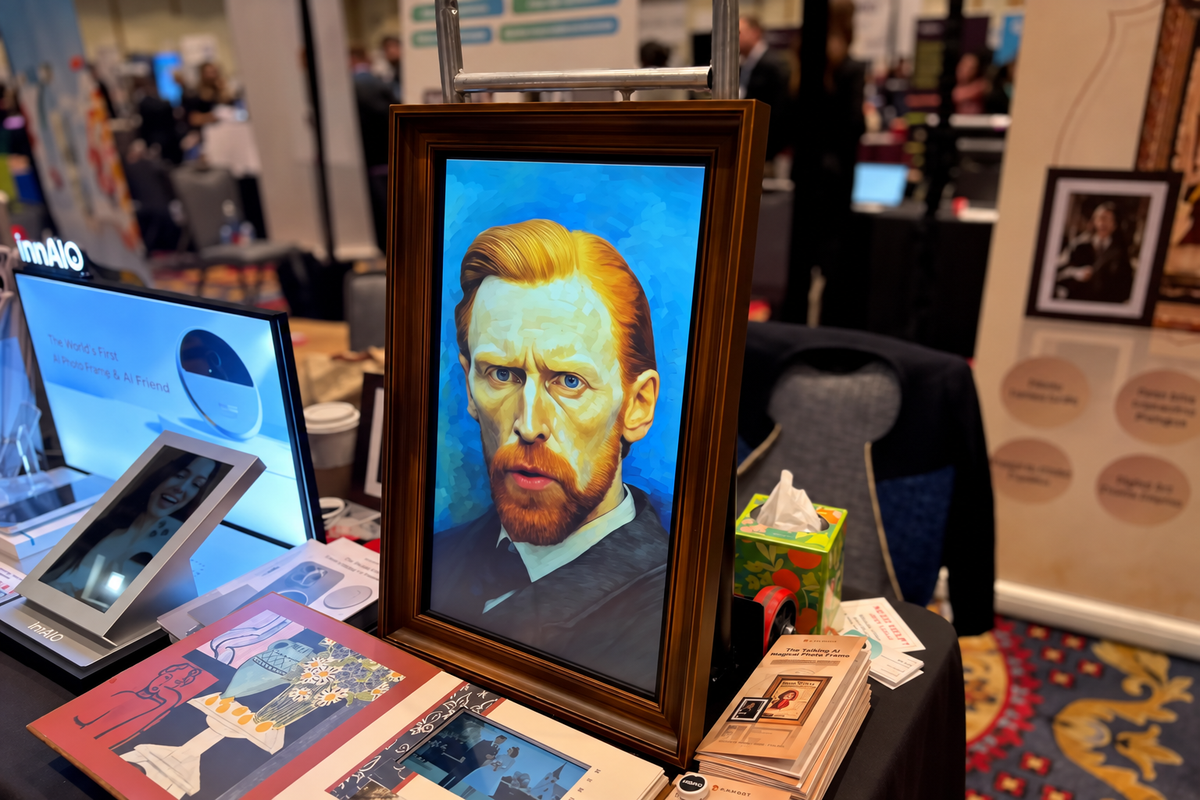
From Sci-Fi to Reality: Vinabot AI Talking Frame Turns Heads at CES 2026
Featured by ZDNET and Interesting Engineering, the Vinabot AI Talking Frame emerged as one of CES 2026’s most memorable AI experiences—bringing photos to life through motion, voice, and real-time interaction.
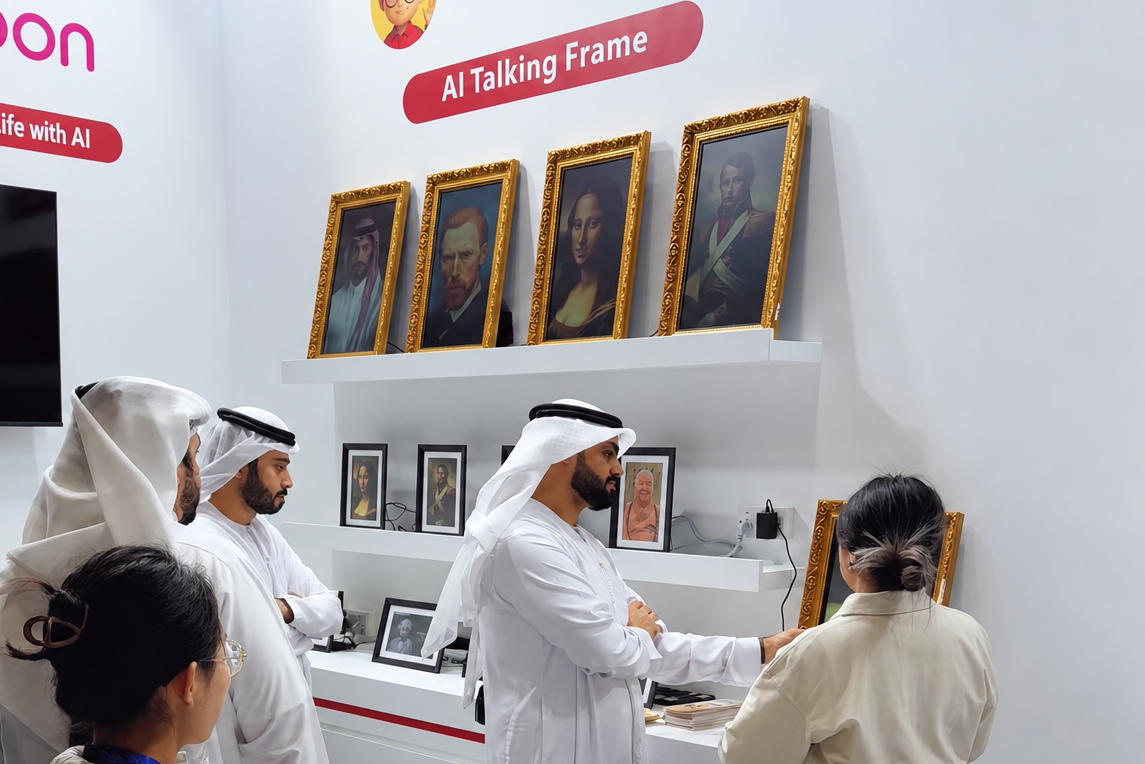
Vinabot Brings AI-Powered Memories to BRIDGE Summit 2025 in Abu Dhabi
Vinabot made its international debut at BRIDGE Summit 2025 in Abu Dhabi, introducing the AI Talking Frame to a global audience and marking the beginning of the brand’s international exhibition journey.
The Vinabot app is available on the Apple App Store and Google Play. Search for “Vinabot,” download the app, and follow the on-screen instructions to get started.
You can download the full User Manual from this page. It includes setup instructions and detailed product specifications for each Vinabot model. The printed guide included with your Vinabot also features QR codes to download the Vinabot app and view the full manual online.
Yes. For images and videos with "Generation Successful" or "Local Upload" status, tap the asset card to open the action menu and select "Download" to save it to your phone's album. This applies to all image and video categories.
Visit the Use & Manage Your Frame section in our Help Center for detailed information about AI Credits, membership benefits, and which AI features use Credits. Core features and the AI Voice Assistant do not require AI Credits.If you have any questions or issues with AI credits, contact us at support@vinabot.ai.
You can access our Privacy Policy, Warranty information, and Return & Refund Policy through the website footer or the relevant articles in our Help Center.